
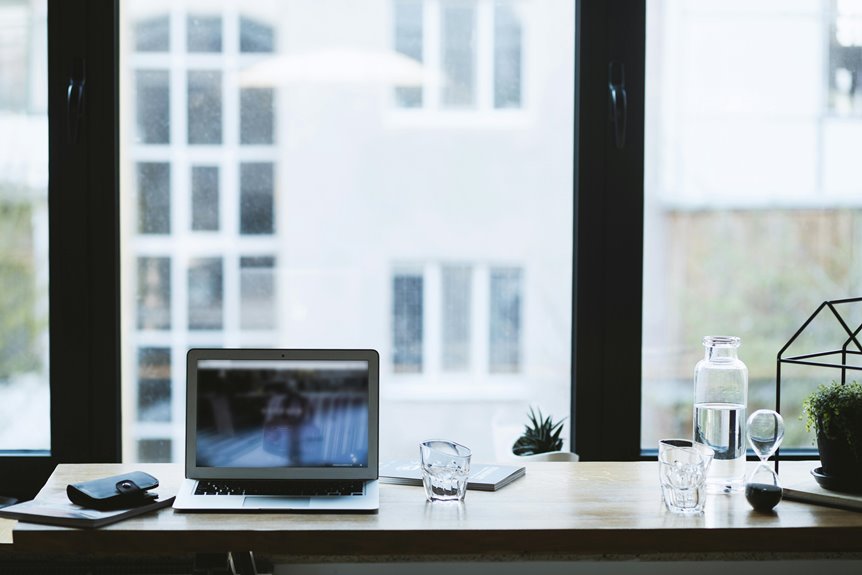
Facing your desk directly toward the window sounds great—but don’t! Direct sunlight creates glare that strains your eyes and washes out your screen, reducing productivity. Instead, angle your desk perpendicular to the window so light hits sideways. You’ll get natural brightness without the headache. Add adjustable blinds for extra control. This simple shift protects your eyes, sharpens focus, and preserves that mood-boosting view. Want to discover which angle works best for your specific work style?
Window-Facing Desks: Light, Mood, and Glare Trade-offs
Good news: you can resolve this conflict. Adjust your desk angle so light hits sideways, not directly on your screen. Add blinds or curtains you can control throughout the day. This strategic setup gives you the mood-boosting benefits without the headaches.
The key? Balance matters. You’re not choosing between natural light and productivity—you’re combining both! Try positioning yourself perpendicular to the window. You’ll regulate your circadian rhythms while staying focused and comfortable. That’s effective working.
Glare and Eye Strain: Why Direct Window Light Backfires

When you position your desk facing a window, you’re battling monitor glare that makes your screen harder to read and forces your eyes to work overtime. The bright sunlight washing across your monitor creates a frustrating problem: you can’t simply turn up your screen brightness to compensate, because that’ll just tire your eyes even faster and wash out the colors you’re trying to see. Instead of fighting this uphill battle, try angling your monitor away from direct light or adjusting your blinds to let in natural light without the exhausting glare.
Monitor Glare and Productivity
Position your desk perpendicular to windows instead. This placement separates your monitor from direct light sources. Add blinds or diffusers to control ambient light levels smoothly. You’ll notice immediate relief—sharper text, better concentration, and genuine comfort during long work sessions. Your productivity will improve.
Screen Brightness Adjustment Challenges
Even with your desk positioned perpendicular to the window, you’ll still face another challenge: keeping your screen brightness stable. Throughout the day, changing outdoor light shifts constantly, forcing you to recalibrate your monitor repeatedly. One moment you’re adjusting brightness up; the next, you’re dimming it down again. This constant tweaking disrupts your workflow and wastes precious time.
Here’s what happens: bright sunlight floods in, creating dynamic glare that makes your screen nearly invisible. You crank up brightness to compensate, straining your eyes further. Then clouds roll past, and suddenly your display feels too bright!
The solution? Combine smart window placement with practical tools. Use adjustable shades to control light flow, reducing the need for constant brightness adjustments. Your eyes—and your productivity—will benefit from this approach.
The Ideal Setup: Desk Facing the Window’s Side
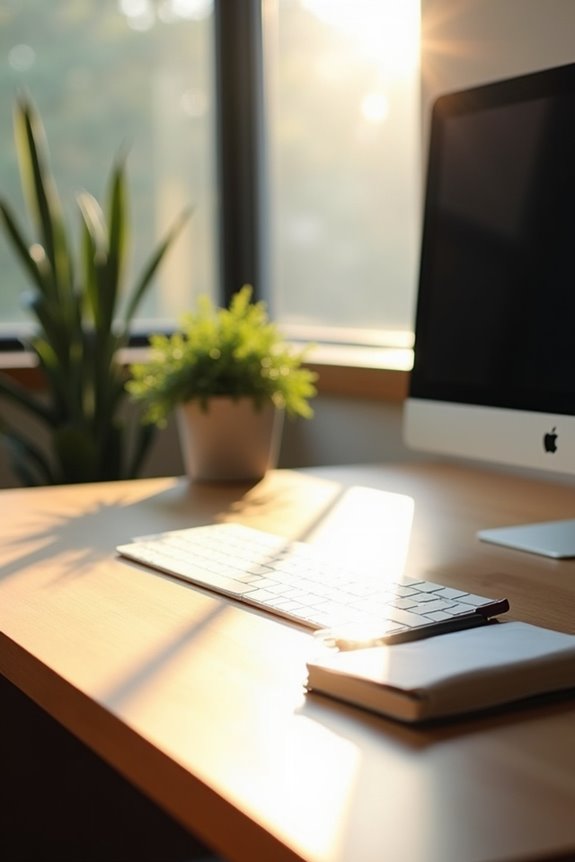
When your desk sits at an angle to the window, natural light floods your workspace. Your monitor stays protected from direct sun exposure, which means less squinting and fewer headaches. You’re also positioned to glance outside, giving your eyes regular breaks that support focus and creativity.
Add adjustable blinds for glare control. Tweak them throughout the day as sunlight shifts. This keeps the outdoor view while protecting your screen.
One more thing: angle your desk so you can see the door. This setup maintains good spatial awareness and comfortable energy flow.
Sunlight Direction: How East, West, South, and North Windows Change Everything
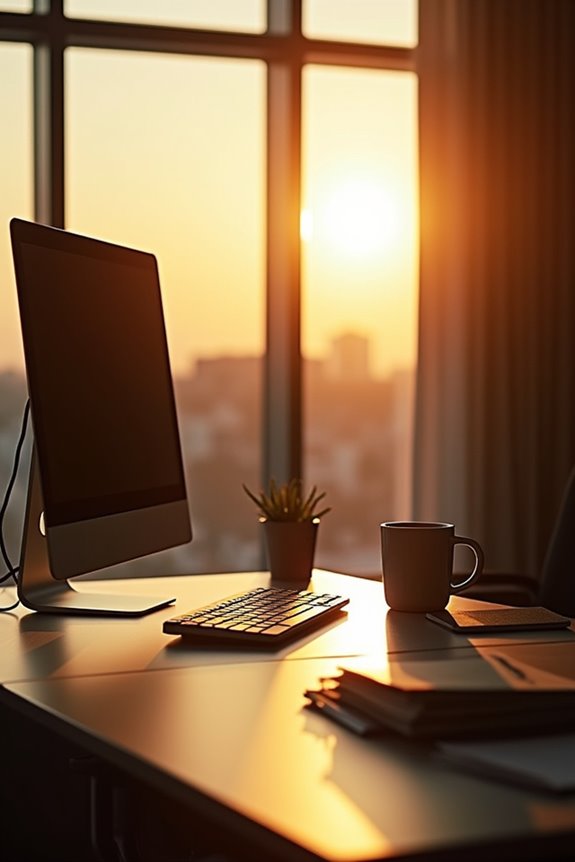
Your window orientation directly impacts your productivity and comfort. Align your desk strategically with your sunlight direction and adjust blinds accordingly to create a functional workspace.
Don’t Ignore the Door: Why Seating Sight Line Matters
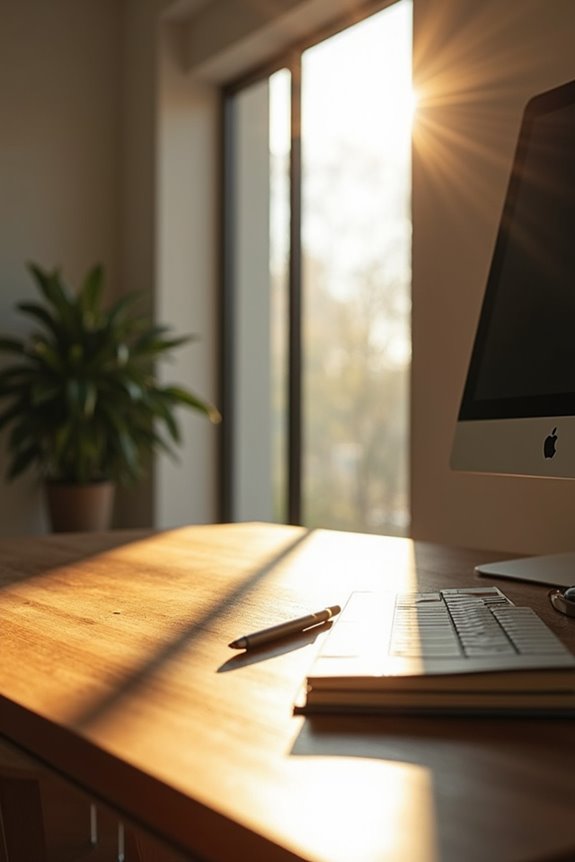
Why does where you sit matter more than you’d think? Your desk position—especially regarding the door—dramatically impacts your focus and confidence!
Your desk position dramatically impacts your focus and confidence—especially regarding the door.
You’ll want to position your desk so you can see the door from an angle, not directly face it. This is your command position. When you can catch movement peripherally, you’ll feel more in control and less startled by interruptions.
Avoid sitting with your back to the door. You’ll feel vulnerable and distracted, constantly wondering who’s approaching. Instead, angle your desk so the sight line includes the entrance without creating direct exposure.
Consider placing a small screen or plant between you and the door if needed. This softens that intense line of sight while maintaining awareness.
Your workspace should feel like your command center—calm, focused, and confident!
Natural Light and Psychological Comfort: What the Research Shows
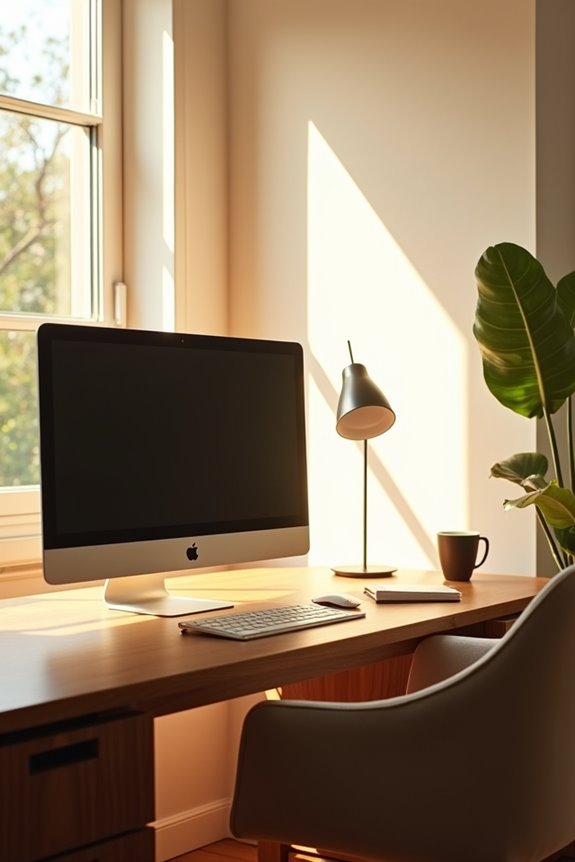
How much does sunlight actually matter for your work performance? More than you’d think! Natural light affects your workspace and mood.
Research indicates you’ll experience real benefits when you have window views:
- Boosted alertness keeps you energized throughout your day
- Better sleep quality happens when daylight regulates your body’s rhythm
- Reduced stress occurs from viewing nature or greenery outside
- Enhanced creativity flows when you have outdoor scenery nearby
- Improved focus develops with proper light balance
Here’s the catch: you need to manage glare carefully. Direct sunlight on your screen creates problems. Position your desk strategically so you gain that natural light benefit without battling annoying reflections. You’re building your ideal workspace—one that supports both your productivity and wellbeing. That window view provides measurable benefits for your work performance and mental health.
Facing the Wall Instead: When Minimizing Distraction Wins
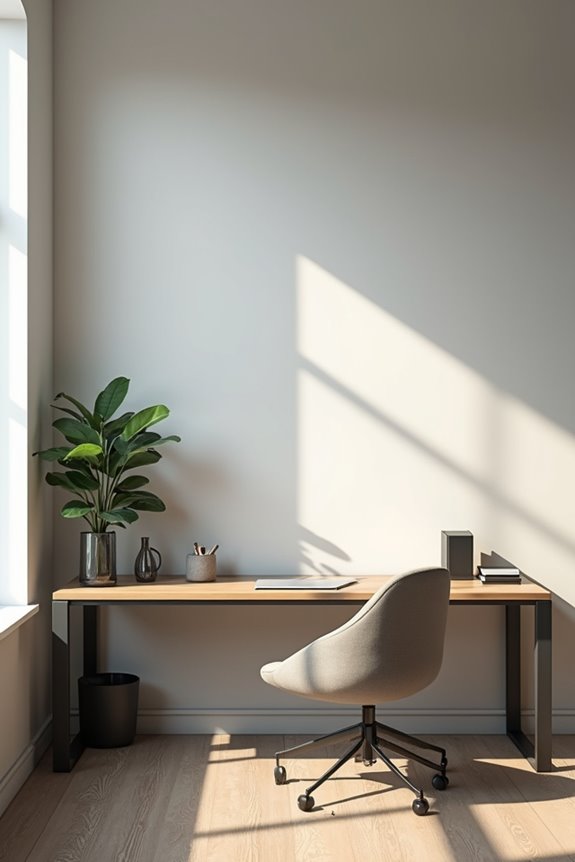
Sometimes the best view isn’t outside your window—it’s the blank wall in front of you!
Sometimes the best view isn’t outside your window—it’s the blank wall in front of you!
When you’re serious about deep work, a wall-backed setup keeps you focused. Facing the wall eliminates outside distractions that pull your attention away from important tasks. You’re not tempted by passing cars, birds, or movement beyond the glass.
But here’s what works: distraction minimization doesn’t require a bare, sterile space. Add floating shelves above your desk for inspiration. Display photos, a motivational moodboard, or organized storage trays. These personal touches prevent isolation while maintaining concentration.
Your wall becomes your anchor—a stable, distraction-free backdrop supporting your best thinking. You’ll find yourself diving deeper into work without constant interruptions.
Ready to try it? Turn your desk around and discover what focus truly feels like!
Tiny Rooms, Big Constraints: Window Orientation When Space Is Limited
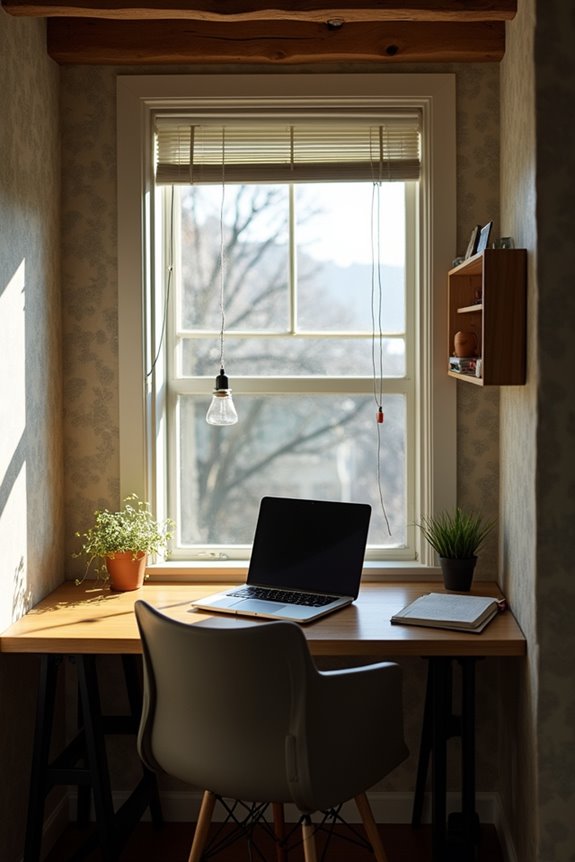
When you’re working in a tight space, you’ve got to make smart choices about where your desk sits! Should you angle toward the window or keep your back to the wall? You’ll find that perpendicular positioning often works well because it gives you natural light without the harsh glare that’ll make your screen hard to see.
Strategic Window Placement Trade-offs
Strategic window placement means weighing your options carefully:
- Reduce screen glare by positioning your desk at an angle instead of directly facing the window
- Maximize natural light without sacrificing monitor visibility or comfort
- Improve room flow by angling your setup to move freely around your workspace
- Control distractions by viewing windows peripherally rather than head-on
- Maintain energy levels through balanced daylight exposure that won’t tire your eyes
You’re not just arranging furniture—you’re creating a workspace that functions well with your room. This orientation balances brightness, glare control, and desk positioning effectively.
Maximizing Light In Compact Spaces
Maximizing Light In Compact Spaces
How can you harness natural light in a room where every inch counts?
Position your desk to the side of the window, not directly facing it. This smart move lets you enjoy light without battling annoying glare on your screen. You’ll feel energized by the brightness while staying comfortable and productive!
| Setup Position | Benefit | Best For |
|---|---|---|
| Desk perpendicular to window | Reduces glare effectively | Most compact rooms |
| L-shaped corner desk | Maximizes light access | Tight layouts |
| Side-angled orientation | Balances visibility and comfort | Limited spaces |
| Wall-mounted lighting backup | Supplements natural light | Cloudy days |
| Vertical storage nearby | Keeps area open and bright | Tiny rooms |
Use vertical storage and wall-mounted lights to brighten your space without crowding it. Keep that window-side area open. You’re creating an efficient workspace that feels larger and more inviting. Your productivity will benefit from this arrangement.
Blinds, Dividers, and Angles: Quick Fixes for Glare and Heat
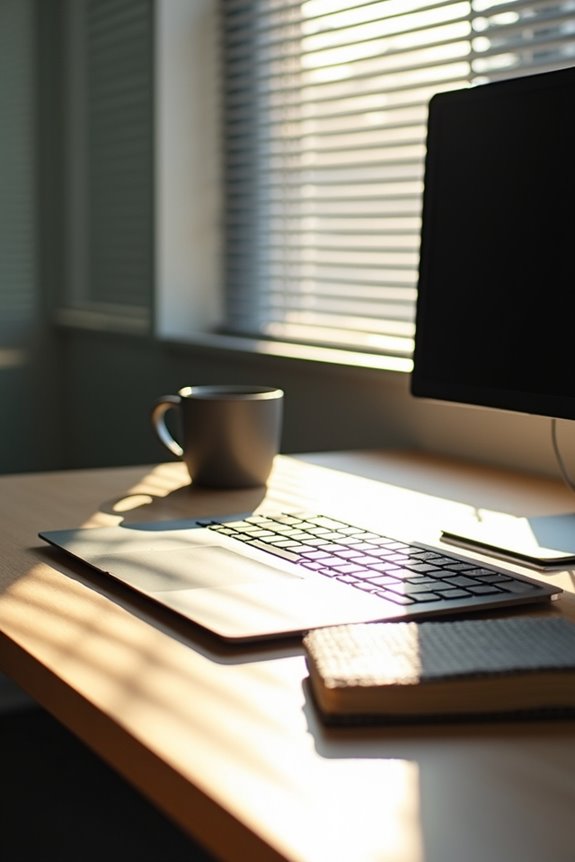
Why struggle with screen glare and uncomfortable heat when simple adjustments can improve your workspace?
You have practical solutions available. Here are the options that’ll make your desk more comfortable:
- Install adjustable blinds to block direct sun while keeping your window view intact
- Use light-filtering coverings that soften harsh glare without darkening your space
- Position privacy dividers between your desk and window for distraction-free focus
- Angle your desk so the window sits to your side, not behind your screen
- Try external shading or reflective films to reduce heat naturally
These strategies work together effectively. Angled desks reduce both glare and neck strain. Light-filtering blinds keep natural light flowing. You’ll notice improved focus and comfort right away. Your workspace becomes a place where you actually want to spend time. Start with one adjustment today.
Privacy and Security: The Hidden Costs of Window-Facing Desks

When you’re focused on work, it’s easy to forget who might be looking in. Your window-facing desk creates a real privacy problem! People outside can easily see your screen, documents, and confidential information. This puts your security at risk.
Here’s what happens: glare from sunlight makes you close blinds, blocking natural light benefits. Meanwhile, distractions from external activity pull your attention away. You’re trying to concentrate while managing multiple problems simultaneously.
Consider this: Would you discuss sensitive work matters in front of a glass wall? That’s what you’re doing with a window-facing desk!
Protect yourself by positioning your desk away from windows or using strategic angles. Place your monitor where passersby can’t see sensitive data. You’ll reclaim focus, maintain privacy, and work with confidence. Small positioning changes deliver real results for your workspace security!
Personalizing Your Setup: Matching Desk Direction to Your Work Style
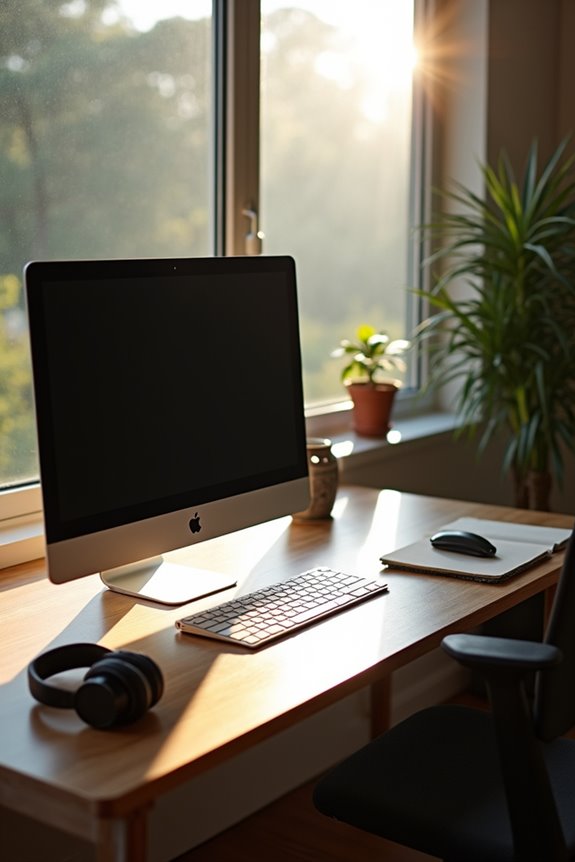
Now that you’ve secured your privacy, it’s time to find the desk position that works best for *you*. Your work style matters! Consider what energizes you:
- Focus-focused workers: Face the wall to minimize distractions
- Collaborative types: Position your desk at an angle toward the door for easy conversation
- Creative minds: Embrace natural light by facing the window for mood and inspiration boosts
- Glare-sensitive folks: Choose a side-window orientation for daylight without screen strain
- Flexible workers: Try angled desk-to-door positioning to balance energy flow and window access
Does your job demand deep concentration or frequent teamwork? If you collaborate constantly, an angled desk captures both productivity and connection. Need laser focus? Wall-facing works wonders. Want natural light without glare headaches? Side-window placement is your best option. Your desk orientation shapes your entire workday. Choose what feels right for *your* success!
Desk Direction Myths: What Science Actually Says About Feng Shui and Orientation
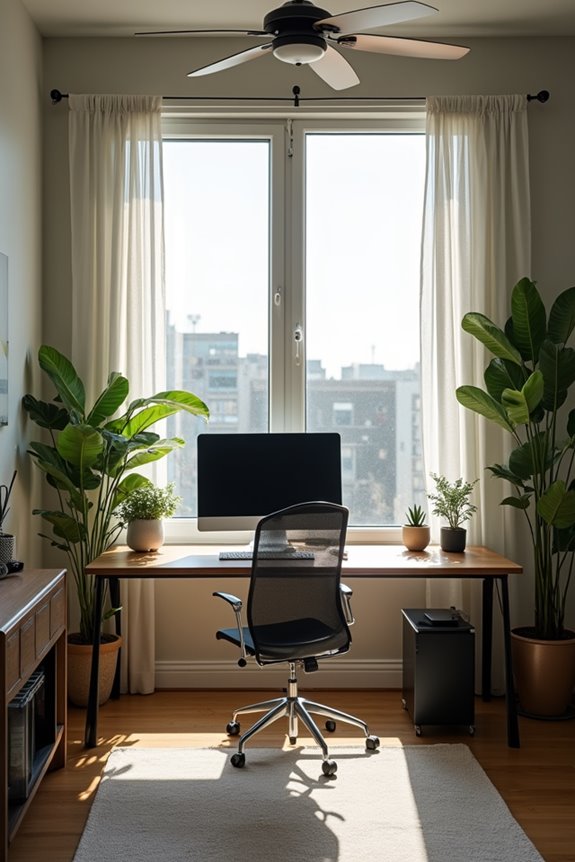
You’ve probably heard that Feng Shui says your desk shouldn’t face the door, but what does actual science say about desk orientation? While traditional practices emphasize energy flow and control, ergonomics—like reducing glare and maintaining good posture—matters more for your productivity and focus. So here’s what you need to know: ignore the myth that one “perfect” direction exists, and instead test what works best for your eyes, your comfort, and your ability to get things done.
Scientific Evidence Versus Tradition
What actually matters for your desk orientation:
- Glare management beats window views every time
- Natural light improves mood when it doesn’t blind you
- Screen visibility depends on angle, not direction
- Privacy and traffic flow affect your focus more
- Your comfort trumps any ancient rule
You’ve probably heard that facing the window guarantees success. It doesn’t. Instead, experiment with positioning. Try angling your desk sideways or using blinds. What works for someone else might drain your energy. Pay attention to your own experience—you know your workspace best.
Ergonomic Reality Of Orientation
Why does your desk direction matter more for your body than for ancient rules? Your ergonomics directly impact comfort and productivity! When you face your window, glare floods your screen, straining your eyes and sapping focus. Instead, position your desk perpendicular to windows—you’ll catch natural light without the harsh reflection. Your orientation should let you see who enters your space, keeping you alert and engaged rather than startled. This setup reduces neck strain from constantly turning toward movement. By adjusting your orientation thoughtfully, you dodge temperature swings near glass and maintain stable working conditions. You’re not sacrificing wellness for tradition here—you’re choosing smart placement that supports your workday. Your body will thank you for thoughtful positioning!