
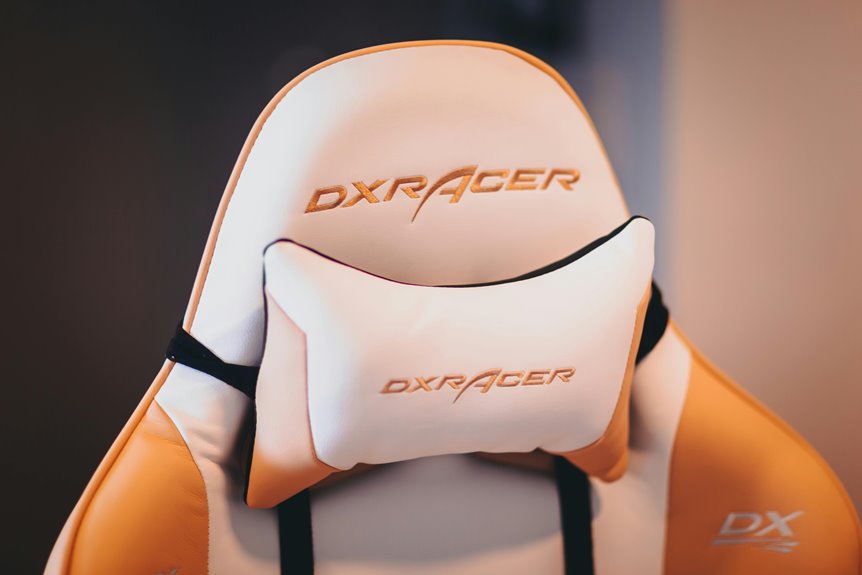
You need a headrest if you’re reclining frequently or taking long phone calls—it’ll stabilize your neck and prevent strain.
But skip it if you’re typing upright all day; a headrest can actually interfere with your posture!
What matters most is proper alignment. Your monitor height, chair angle, and headrest position must work together. Get one thing wrong, and even the best chair won’t help.
Wondering which setup mistakes are sabotaging your comfort?
Is Your Job Reclining or Active?
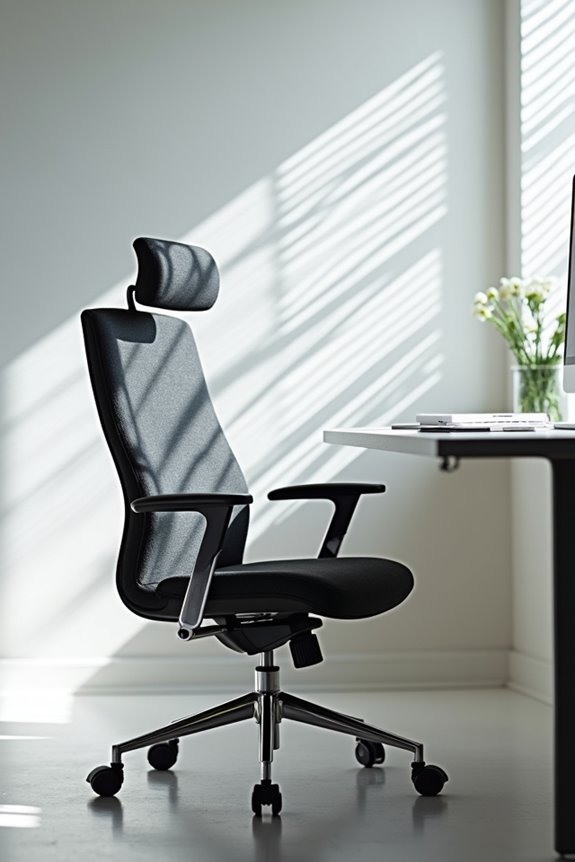
How much time do you actually spend leaning back in your chair? That’s your starting point!
How much time do you actually spend leaning back in your chair? That’s your starting point!
If you’re reclining frequently, a headrest helps support your neck. Tasks like reading, long phone calls, or semi-reclined work put real strain on your neck and upper back. A headrest reduces spinal load during these episodes, preventing fatigue and neck pain.
But here’s the thing: if you’re constantly upright typing or viewing your monitor, skip the headrest. Active jobs demand neutral pelvis positioning and continuous micro-movements. A headrest actually interferes with forward head alignment and disrupts your posture.
Think honestly about your workstation setup and work style. Are you reclining for long hours? Then invest in neck support! Staying fully upright? Your back muscles work best without one. Match your chair to how you actually work!
What Neck Support Actually Does for Your Posture

When you’re stuck in the same desk position all day, your neck muscles work overtime. A quality headrest supports your cervical spine and keeps your head aligned with your body. This alignment matters—it reduces strain and prevents forward head posture, which pulls your spine out of whack.
Your neck support works best when properly adjusted in your ergonomic chair. Too high or too low? You’ll actually make things worse. The right headrest enables gentle micro-movements that boost circulation and provide muscle relaxation during those long hours.
Here’s the key: your headrest doesn’t work alone. Your entire workstation setup counts—monitor height, chair position, and reclining angle all factor in. When everything coordinates together, you’ll feel the difference. Your neck will respond positively to the improvement.
When Headrests Genuinely Reduce Strain (and When They Don’t)?
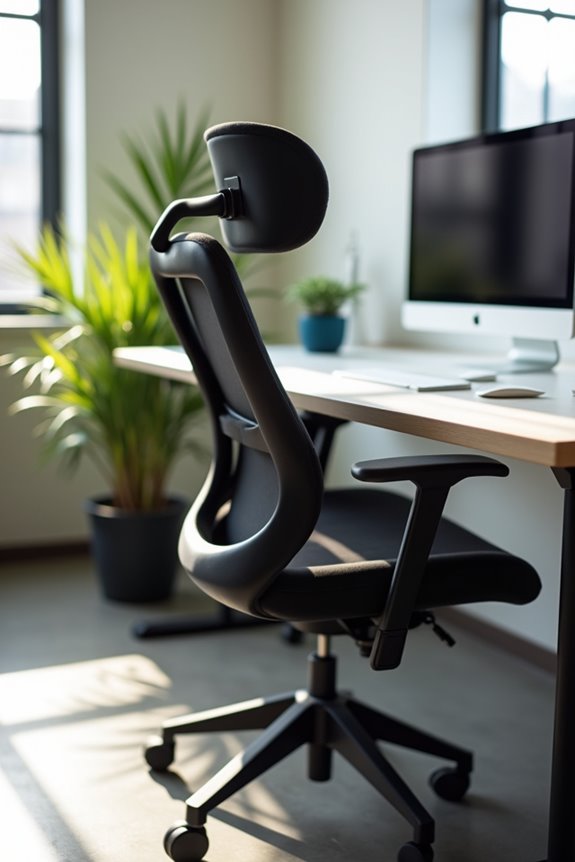
If your headrest sits too high or pushes your head forward, you’re actually making neck strain worse. That’s counterintuitive, right? The real key? Your monitor height, chair posture, and headrest alignment must work as a team during long seated hours.
An adjustable headrest beats a fixed one because it adapts to your unique body and reclining posture. You can fine-tune the angle and height for proper alignment. Without correct workstation setup, even the best ergonomic chair won’t solve your neck and shoulders problems. Check your entire station first!
Three Setup Mistakes That Kill Headrest Comfort
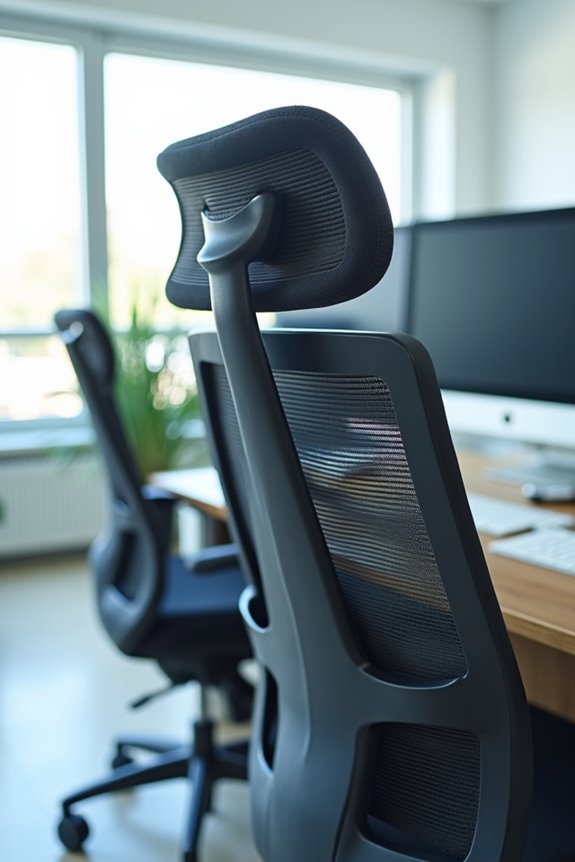
Fix these three mistakes, and you’ll finally experience the relief you deserve!
Choosing a Chair: Do You Need the Headrest Option?

Consider your daily tasks. If you’re constantly looking at screens, a headrest with adjustable height supports your neck and improves spinal alignment. You’ll notice reduced neck fatigue and back pain over time.
Ask yourself these questions: Do you struggle with posture? Does your head and neck feel strained? An ergonomic chair with a headrest option provides customizable support that matches your body type and work style.
However, headrests aren’t mandatory for everyone. Test different models with dealers to find what works for you. Ergohuman chairs offer flexibility—you choose the headrest option that fits your needs.
Ready to invest in your comfort? Try one today with the 30-day returns policy!